
How to Find Orphan Pages on Any Website (Free)
Step-by-step methods to find every orphan page on your site — using free tools including Rank Mesh, Screaming Frog, and Google Search Console. No paid tools required.
How to find orphan pages (the short answer)
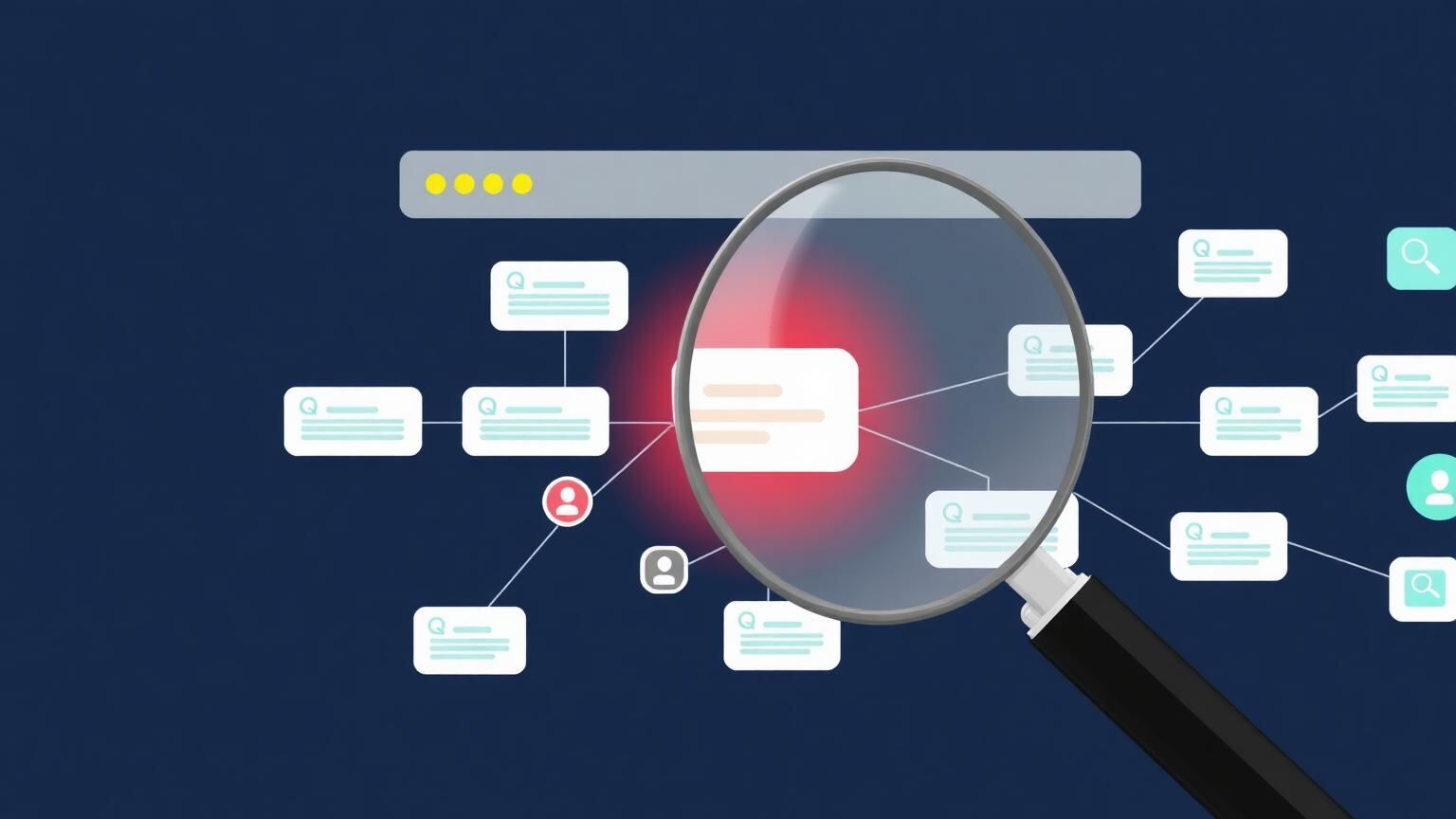
To find orphan pages, you need to compare two lists: every URL that exists on your site, and every URL that receives at least one internal link. Any URL in the first list but not the second is an orphan page.
If you're new to the concept, start with our explainer on what orphan pages are and why they hurt SEO — then come back here for the detection methods.
The challenge is doing the comparison systematically. Below are four methods — from fastest (under 60 seconds) to most thorough — depending on the size of your site and the tools you have access to.
Method 1: Use Rank Mesh (fastest — under 60 seconds)
Rank Mesh was built specifically to automate the comparison described above. It reads your sitemap to get a full list of your pages, crawls your internal link structure, and immediately shows you which pages have zero inbound internal links.
How to use it: go to the Rank Mesh Orphan Page Finder, paste your website's URL (for example https://yoursite.com), and click Find Orphan Pages. Rank Mesh crawls your sitemap and internal link graph — this takes 20–60 seconds for most sites — and returns a list of every orphan page with its URL, title, and a fix-it checklist.
No signup required. No credit card. Works on WordPress, Shopify, Webflow, or any site with an XML sitemap.
What Rank Mesh shows you: every page URL with zero internal links pointing to it, the page title (so you know what the content is without clicking each one), and a fix-it checklist with recommended next steps for each orphan.
This is the right starting method for anyone who wants a quick, complete picture of their orphan pages.
Method 2: Screaming Frog SEO Spider (free up to 500 URLs)
Screaming Frog is a desktop crawler that gives you granular control over how your site is audited. The free version handles up to 500 URLs, which covers most small-to-medium sites.
Step 1 — Crawl your site: open Screaming Frog, enter your domain in the search bar, and hit Start. Wait for the crawl to complete.
Step 2 — Export the crawl data: go to Reports > Crawl Overview, or use the main URL tab. Export all crawled URLs to a CSV.
Step 3 — Filter by inlinks count: in the main interface, sort the Inlinks column ascending. Pages with 0 or 1 inlinks deserve a closer look.
Step 4 — Compare against your sitemap: go to Sitemaps > XML Sitemaps in Screaming Frog and import your sitemap. The tool will flag URLs in your sitemap that weren't discovered during crawl — these are strong orphan candidates.
Step 5 — Cross-reference the lists: in Excel or Google Sheets, use VLOOKUP or COUNTIF to find sitemap URLs that don't appear in your crawled-and-linked pages. The gaps are your orphans.
This method takes 20–40 minutes but gives you the most detailed data, including HTTP status codes, title tags, and word counts for each orphan.
Note: on JavaScript-heavy sites, Screaming Frog may miss links rendered client-side. Enable JavaScript rendering in Configuration > Spider > Rendering if you're on a React or Vue-based site.
Method 3: Google Search Console + manual cross-reference
This method is free, requires no downloads, and uses data directly from Google — which makes it particularly trustworthy. The downside: it's the most manual of the four.
Step 1 — Export all indexed URLs: in Google Search Console, go to Index > Pages and download the full list of indexed URLs using the export button at the top right. This gives you every URL Google has indexed on your domain.
Step 2 — Crawl your site for internal links: you need a second list of every URL that receives at least one internal link. Use the free Rank Mesh Internal Link Finder to get a list of linked pages quickly, or run a Sitebulb free-trial crawl.
Step 3 — Find the gaps: in a spreadsheet, put your indexed URLs in column A and your internally-linked URLs in column B. Use =COUNTIF($B:$B, A2) in column C. Any row returning 0 represents a URL that's indexed but not internally linked — an orphan.
What GSC data adds that other methods don't: it shows you orphan pages that are actually indexed and potentially receiving impressions. These are the highest-priority orphans to fix, because they're already showing up in search — they just can't rank properly without internal link equity flowing to them.
Method 4: Ahrefs or Semrush Site Audit (paid, most comprehensive)
If you already pay for Ahrefs or Semrush, both include orphan page detection as part of their site audit features.
In Ahrefs: go to Site Audit > All Issues and filter for Orphan pages (defined as pages in your sitemap with no internal links found during crawl).
In Semrush: go to Site Audit > Issues and search for orphaned pages in sitemaps.
Both tools also give you metrics like organic traffic, backlinks, and keyword rankings for each orphaned page — useful when deciding whether to keep, fix, or remove a specific page.
If you're already paying for one of these tools, use their orphan page detection. If you're not, the free Rank Mesh Orphan Page Finder covers the core detection without a subscription.
What to do with the results
Finding orphan pages is only useful if you act on the list. Here's the decision framework.
First, categorize each orphan into one of three buckets — Fix it (relevant topic, solid content, you want it to rank — needs internal links added from related content), Consolidate it (you've written about this topic elsewhere with stronger content — 301 redirect to the stronger version and update any backlinks), or Remove it (outdated, irrelevant, or so thin it's actively harming your site's content quality signals — remove and 301 to the closest relevant page).
Then, fix the keepers first. For each page you've decided to keep: find 2–3 relevant existing pages on your site that cover related topics, add a contextual link from each of those pages to the orphan using descriptive anchor text, and add the orphan to your internal link audit checklist so it gets checked quarterly.
One well-placed internal link from a high-authority page on your site can dramatically change how Google treats an orphaned page — that's the core idea behind internal linking for topical authority.
Platform-specific notes
WordPress: the most common cause of orphan pages on WordPress is the Revisions feature — it can create shadow URLs for draft posts. Also watch for orphaned pages created by unused page builders, old plugin-generated pages, and posts removed from category assignments. Use the Rank Mesh Orphan Page Finder or the Yoast SEO orphaned content filter (available in Yoast Premium) to find these quickly.
Shopify: Shopify often creates orphan pages from deleted collections that weren't redirected, variant product pages, and blog posts added to a blog category that later had its navigation removed. Check /collections/ and /blogs/ paths specifically.
Webflow: Webflow CMS items removed from a Collection List without being redirected become orphan pages. Also check pages built manually that were never added to the navigation.
How to prevent orphan pages going forward
The best fix for orphan pages is preventing them from accumulating in the first place.
Before you publish: every new article or page should have at least one internal link pointing to it from an existing page. Make this a publishing checklist item.
When you redesign: run an orphan page audit immediately after any navigation change or site restructure. Navigation changes are the most common cause of mass orphan creation.
When you delete content: never delete a page without setting a 301 redirect. Even if the content is gone, the URL may have backlinks or indexed impressions that deserve to be redirected to something relevant.
Schedule recurring audits: use the Rank Mesh Orphan Page Finder monthly or quarterly to catch new orphans before they accumulate. It takes under a minute and keeps your internal link structure healthy.
Summary
Finding orphan pages requires comparing your full list of site URLs against the pages that actually receive internal links. The fastest method is the free Rank Mesh Orphan Page Finder — it automates the entire comparison in under a minute. For deeper audits, Screaming Frog, Google Search Console cross-referencing, and tools like Ahrefs or Semrush give you more detail.
Once you have the list, categorize each orphan as worth fixing, consolidating, or removing — then act on the highest-value pages first.
Ready to start? Run your free orphan page audit with the Rank Mesh Orphan Page Finder — no signup, no credit card, results in under 60 seconds.
Frequently asked questions
Can a page be in my sitemap but still be an orphan page?+
Yes. Your XML sitemap tells Google the page exists, but it doesn't pass any authority to it. A page listed in your sitemap with no internal links is still an orphan — it may get crawled, but it won't accumulate PageRank from the rest of your site. Both a sitemap listing and at least one internal link are needed for optimal performance.
What's the fastest free way to find orphan pages?+
The Rank Mesh Orphan Page Finder. Paste your domain and get a full list in under 60 seconds. It's purpose-built for exactly this task and requires no signup.
Do I need to find orphan pages if I have a small site (under 30 pages)?+
Yes, but the stakes are lower. Even on a 20-page site, an orphan page can represent a significant percentage of your content. More importantly, building the habit of internal linking from the start prevents the problem from scaling as your site grows.
My site has thousands of pages. Can I still use free tools?+
Rank Mesh handles up to 200 pages per scan on the free plan. For larger sites, Screaming Frog's paid version (around $259/year) or Semrush/Ahrefs are better suited. Rank Mesh's paid tiers (coming soon) will support up to 5,000 pages per scan.
How often should I check for orphan pages?+
Quarterly is the standard recommendation. After any major site change — a redesign, a migration, a category restructure — run an audit immediately. High-volume publishers (daily posts) should check monthly.
Does Google penalize sites for having orphan pages?+
There's no direct penalty. The harm is indirect: orphan pages can't rank well, they consume crawl budget without contributing, and a high orphan rate signals poor site architecture. Fixing them improves performance rather than 'undoing a penalty.'
What should I do with orphan pages that have backlinks from other sites?+
These are the most valuable orphans. A page with external backlinks has real authority — it just isn't being used. Add internal links from relevant pages immediately. The external authority will now flow through your site's structure rather than sitting isolated in one place.
Keep reading
What Are Orphan Pages? The Complete SEO Guide (2026)
Orphan pages have no internal links pointing to them — Google can't find them, and neither can your visitors. Here's what they are, why they hurt rankings, and how to fix them.
Read articleInternal Linking for SEO: The Complete Guide (2026)
How internal links actually move rankings — crawlability, PageRank flow, anchor text signals, and the strategy most sites get wrong.
Read article